
Reserve desks, map your office, run hybrid work.
Deska helps office managers and HR teams give employees a structured way to book desks, see who sits where, and set recurring schedules — without spreadsheets or Slack chaos.
No credit card required · Setup in under 10 minutes · Free trial available
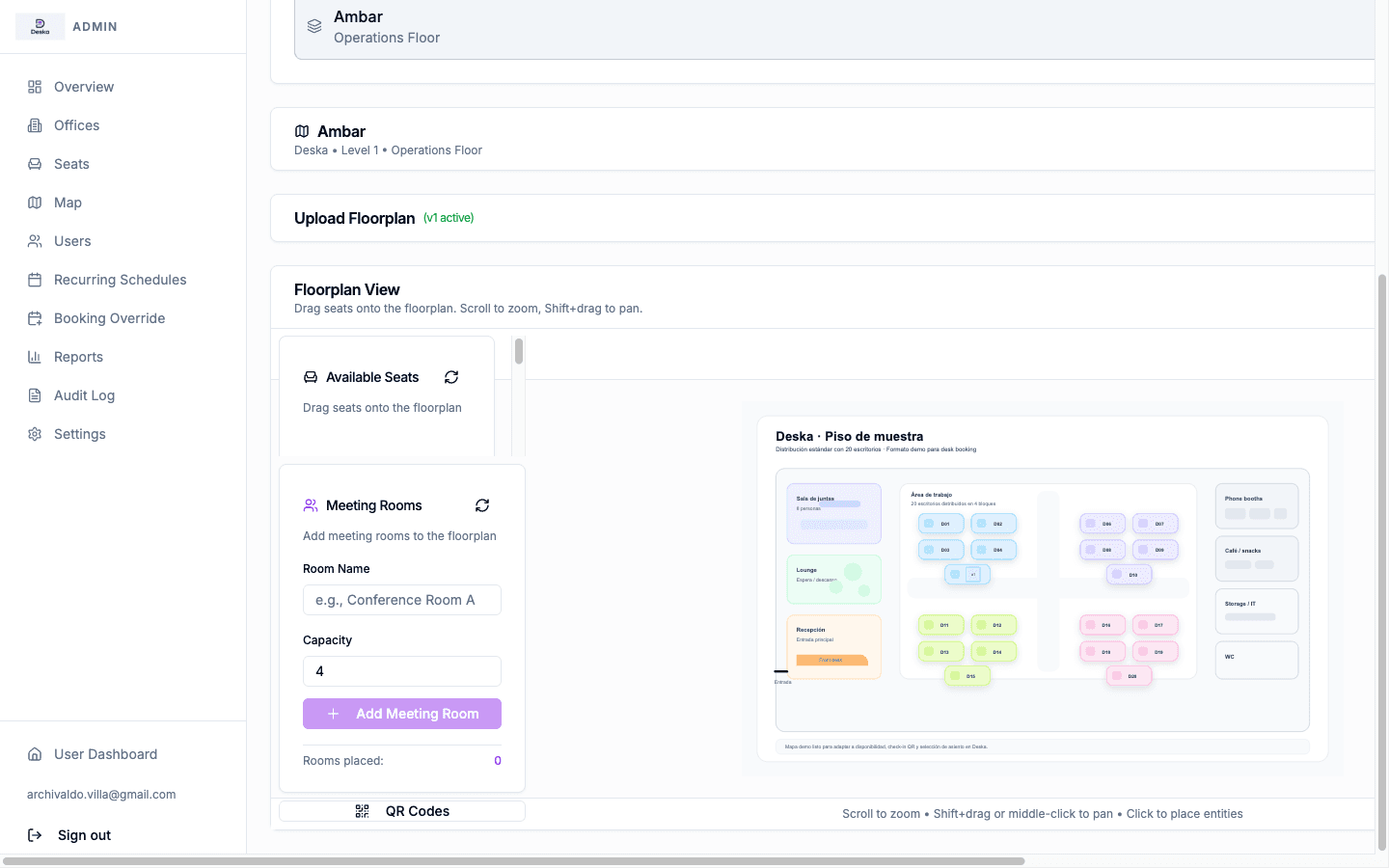
- Desk booking
- Interactive office maps
- Hybrid scheduling
- Hot desk management
- Workspace analytics
- Recurring reservations
The problem
Hybrid offices run on guesswork
- Employees arrive to find their preferred desk taken with no way to have reserved it.
- Facilities teams have no data on actual vs. booked occupancy per day.
- Recurring in-office days are tracked in spreadsheets that go stale immediately.
- Managers cannot see which team members are in on a given day without asking.
- Hot desk policies are communicated by email and enforced inconsistently.
Deska solves this
One system for desk booking, maps, and attendance
- Employees book specific desks on a visual floor map before they arrive.
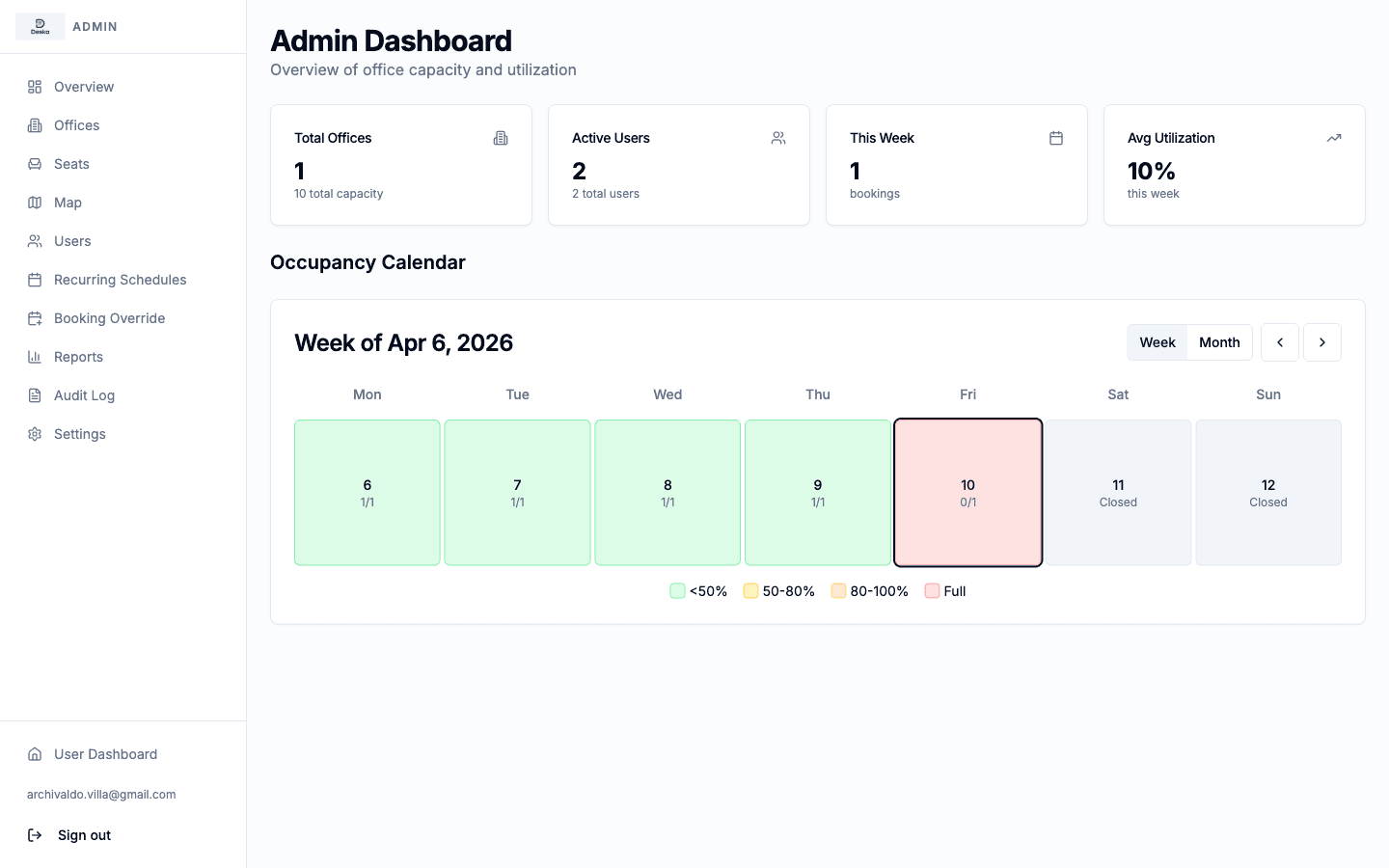
- Admins see real-time and historical occupancy by floor, zone, and date.
- Recurring schedules are configured once and auto-applied each week.
- Team presence is visible on the same map employees use to book.
- Booking rules and access restrictions are enforced automatically.
Everything your hybrid team needs, in one product
Deska ships with every capability a modern office operations team requires. No add-ons. No usage-based paywalls.
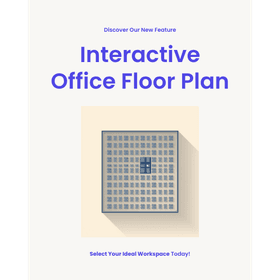
Visualize your office as an interactive map
Employees pick seats directly on a real floor plan. Admins upload SVG layouts and place desk markers — no third-party tool needed.
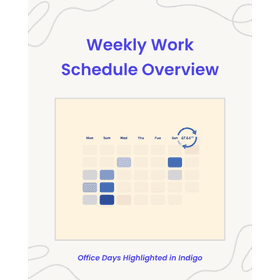
Set recurring weekly schedules
Employees define their standard work-from-office days once. Deska creates recurring reservations automatically, with waitlist support when a desk is taken.
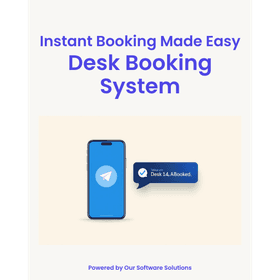
Book through Telegram without installing an app
The included Telegram bot lets employees check availability, book, and cancel from their phone in seconds — no app download, no new login.
Track office occupancy by day and desk
Admin dashboards show real-time and historical attendance. Export to CSV for facilities planning, HR reporting, or lease decisions.
Control access with role-based permissions
Assign Admin or Employee roles. Restrict which floors or zones specific teams can access. Each company operates in a fully isolated workspace.
Configure booking windows and rules
Set how far in advance bookings open, maximum consecutive days, and release times. Rules apply per-office, not just globally.
Running in three steps
From sign-up to your first team booking, Deska is set up in under 30 minutes.
Provision your workspace
We provision your secure workspace and send your admin an invite link. No infrastructure setup on your end.
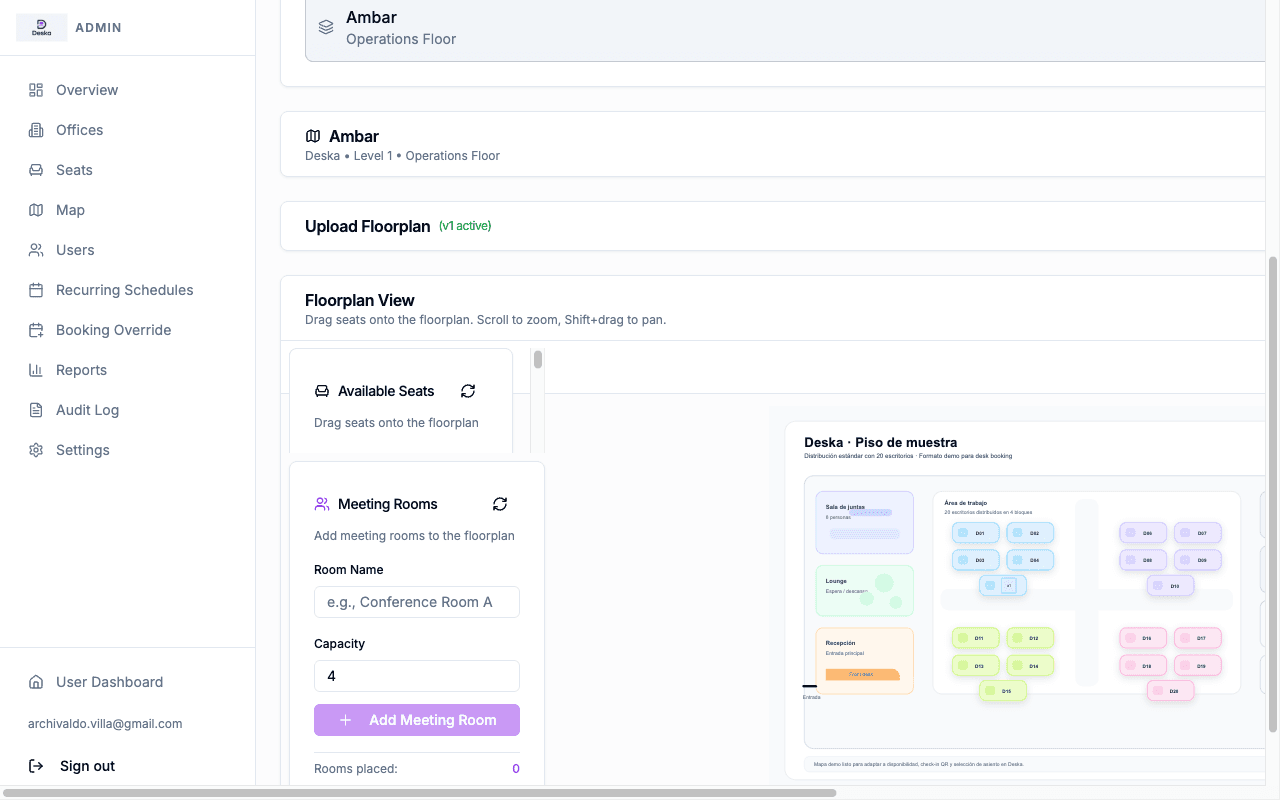
Upload your floor plan and place desks
Import your office layout as an SVG image. Use the drag-and-drop editor to position desk markers on the actual floor plan.
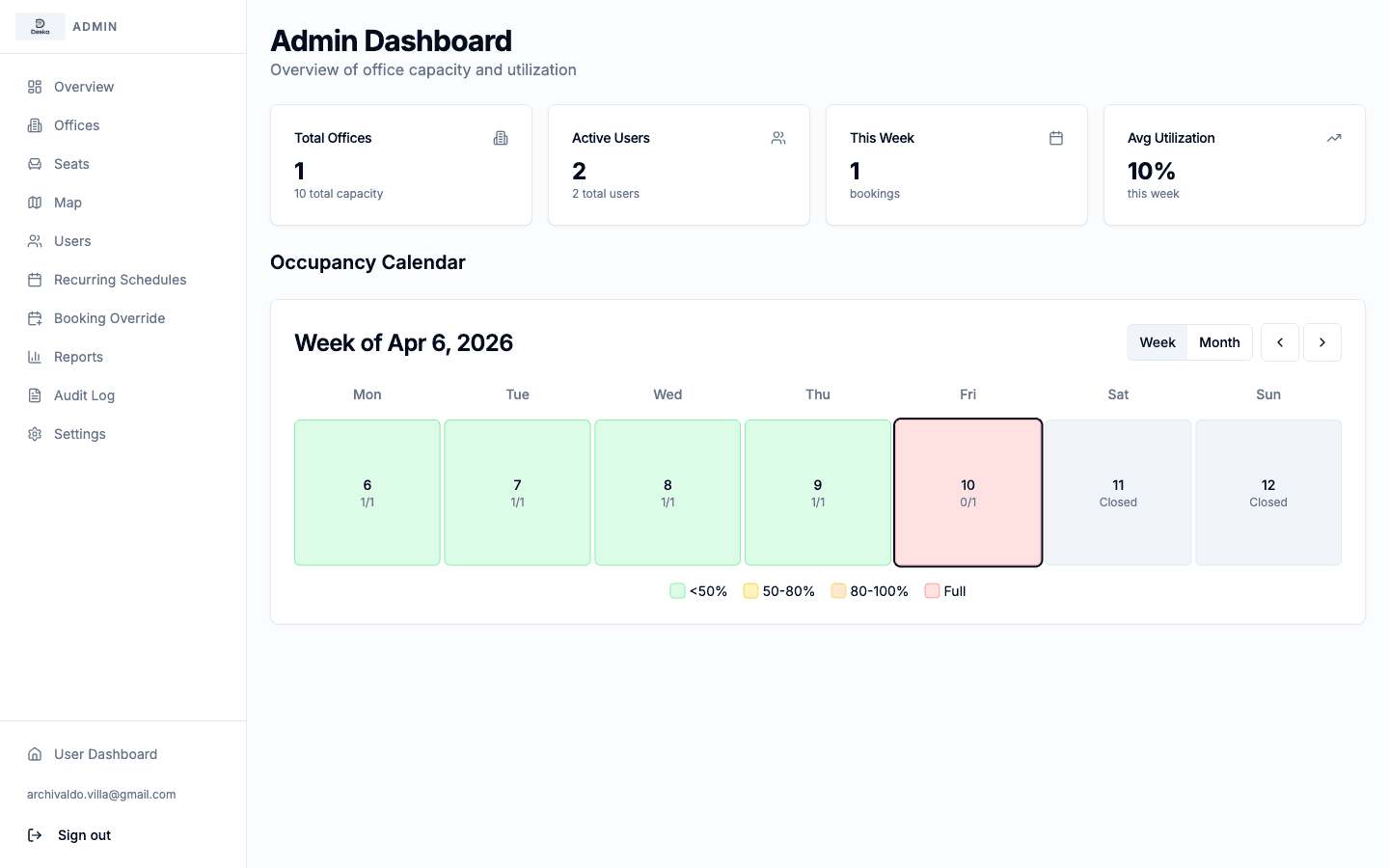
Invite your team and start booking
Employees receive an invite email, log in, and can book their desk immediately. The Telegram bot is available from day one.
What teams are saying
Offices that made the switch
“We used to manage desk availability in a shared spreadsheet. Within a week of switching to Deska, the coordination chaos was gone — employees just book and show up.”
Sofia M.
Office Manager · Tech scale-up, 120 employees
“The interactive map was the feature that sold our team. People can see exactly where their colleagues sit before they arrive. Occupancy reports have been a bonus for our facilities review.”
James R.
Head of Facilities · Professional services firm, 300 seats
“Setup took less than an hour. We uploaded our floor plan, placed the desk markers, and invited everyone. The Telegram bot means nobody needs to open a browser to make a booking.”
Lena K.
HR Operations Lead · Hybrid-first agency, 80 employees
Built for different kinds of offices
Startups and scale-ups
Stop managing desk availability over Slack
Growing teams with flexible seating need a system, not a spreadsheet. Deska replaces ad-hoc coordination with a booking layer that scales as you add offices and headcount.
Enterprise offices
Optimize space for teams on hybrid schedules
Facilities managers get occupancy data by floor, zone, and day. HR and real-estate teams use the data to right-size leases and improve in-office collaboration density.
Coworking spaces
Give members a self-service booking interface
Operators assign desks per membership tier and let members book independently. The Telegram bot reduces front-desk overhead and check-in queues.
Simple pricing that grows with you
Start with the desks you need today. Add more as your team grows — no plan changes required.
Pay annually and get 2 months free on any plan.
Simple
Free forever. Try Deska with no commitment.
No credit card required
1 office · 2 desks · 2 users
- Interactive office map
- Web desk booking
- Free forever
- No credit card required
Starter
Best for startups and small hybrid offices.
or $990/yr — 2 months free
1 office · up to 25 desks
$3 / extra desk / month
- Interactive office map
- Web desk booking
- Recurring bookings
- Basic analytics
- Standard support
Growth
Built for growing hybrid teams.
or $2490/yr — 2 months free
Up to 3 offices · up to 75 desks
$2.50 / extra desk / month
- Everything in Starter
- QR code check-in
- Waitlist management
- Advanced booking rules
- Admin roles
- Enhanced analytics
- Priority support
Business
For mid-sized companies with serious operations.
or $4990/yr — 2 months free
Multi-office · up to 200 desks
$2 / extra desk / month
- Everything in Growth
- Advanced reports & CSV exports
- Guided onboarding
- Premium support
Enterprise
More than 200 desks or advanced requirements.
Unlimited offices · 200+ desks
- Everything in Business
- Custom SLA
- Integrations
- Dedicated support
All plans include self-service map setup. Start with the included desks and add more at any time — no plan change required.
Optional add-ons
Office map setup service
from $250 / floor
One-time. We configure your map for you.
Premium onboarding
from $500
One-time. Guided setup with a Deska specialist.
Custom domain & branding
from $99 / month
White-label experience on your own domain.
Frequently asked questions
- What does Deska do?
- Deska is desk booking software for hybrid offices. Employees reserve a specific desk on an interactive office map, set recurring weekly schedules, and manage bookings from a browser or via the included Telegram bot.
- Who is Deska built for?
- Deska is designed for companies with hybrid or flexible work policies — typically 20 to 500 employees who share more desks than headcount. It fits tech companies, agencies, professional services firms, and coworking operators.
- Does Deska require employees to install anything?
- No. The web application works in any modern browser. The Telegram bot is optional and requires only that employees have Telegram installed — there is no separate Deska mobile app to download.
- How is my data kept separate from other companies?
- Each organization gets its own isolated workspace and database partition. Your employees, bookings, and floor plans are not accessible by other tenants at any level.
- How long does setup take?
- Initial workspace provisioning takes under five minutes. Uploading a floor plan and placing desk markers typically takes 15 to 30 minutes depending on office complexity. Inviting your team is a single email step.
Give your hybrid team a desk booking system that works
Deska is ready to deploy in your office. Talk to us to get a walkthrough and a trial setup.
Or email us directly at hello@deska.me